

Users
A user is a single human identity (email + password, optionally with OAuth and 2FA). Every action in Suji is attributed to a user via the audit log.Organizations
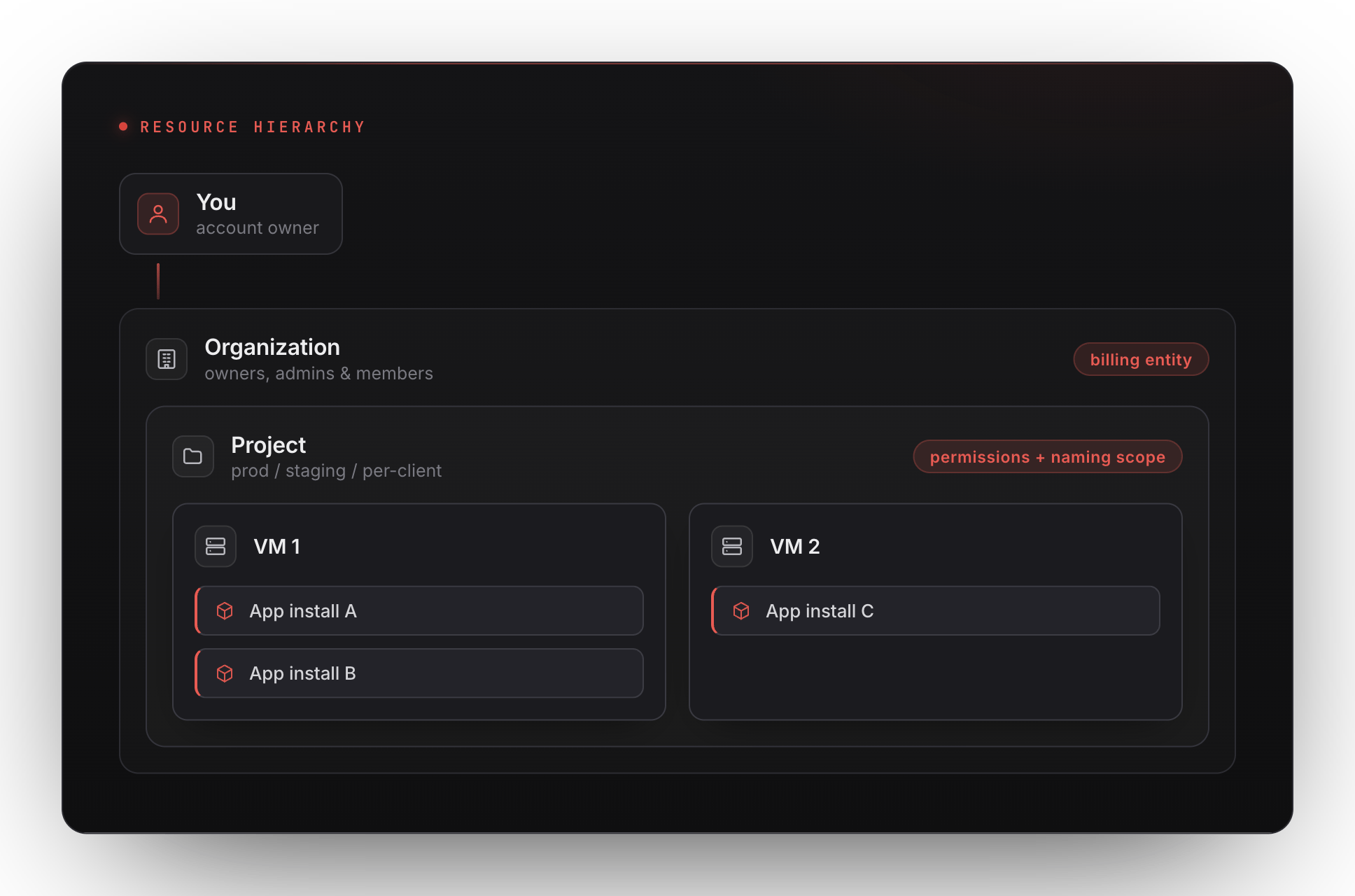
An organization is the billing entity. Credits, invoices, payment methods, and spend caps live on the organization. Every user belongs to at least one organization, a personal organization is created automatically on sign-up. Organizations have members with roles:- Owner: full control, including billing and member management.
- Admin: manage projects, members, settings; no billing access.
- Member: can act inside projects they’re added to.
Projects
A project is a permissions + naming scope inside an organization. VMs and app installs live inside projects, not directly under the org. Projects let you:- Separate prod from staging without separate billing.
- Grant a contractor access to one project without exposing the rest.
- Group resources for an audit-log filter.
What this means in the URL
URLs in the dashboard reflect this hierarchy:Switching orgs / projects
Sidebar dropdowns let you switch organization and project independently. The selected pair persists per browser session.Audit log
Every meaningful action (instance created, app installed, secret rotated, member added) is recorded in the audit log at the project level, with the actor, the IP, and the user-agent. Org owners can view the audit log across all projects from Settings → Audit log.Next
VMs
The actual machine that runs your apps.
Billing & credits
How charges flow, at the organization level.